Master a song or an album
BRAVO's own master chain, at the loudness you ask for (−14 LUFS by default) with the true peak at −1 dB or lower. 24-bit WAV.
OBRA · BRAVOFree AI DAW for Mac
Tell it what you want and it mixes, masters and produces with your sounds.
BRAVO
Master these 12 songs to −14 for Spotify
Done. 12 masters at −14 LUFS, true peak at −1 dB or lower, and a report.
files ready
Master
−14LUFS
WAV 24
What it does today
BRAVO's own master chain, at the loudness you ask for (−14 LUFS by default) with the true peak at −1 dB or lower. 24-bit WAV.
Choose a folder and every file comes out at the same loudness and peak, as 24-bit WAV (or FLAC from your AI), with a report.
Vocals, drums, bass and the rest of a song, as four WAVs, on your Mac.
Up to three things that fail, and how to fix each one.
It opens your vocal in TUNE, for natural pitch correction by ear.
It learns from your Ableton and FL Studio projects, on your computer.
It exports a WAV per track for your editor or your DAW.
Later: mixing your stems, vocal + beat and mastering to a reference.
Your AI drives it
Use its own chat, or ask from the assistant you already use. BRAVO works with your samples, listens to the result and tells you what fails. It does not generate songs.
Free AI DAW for Mac
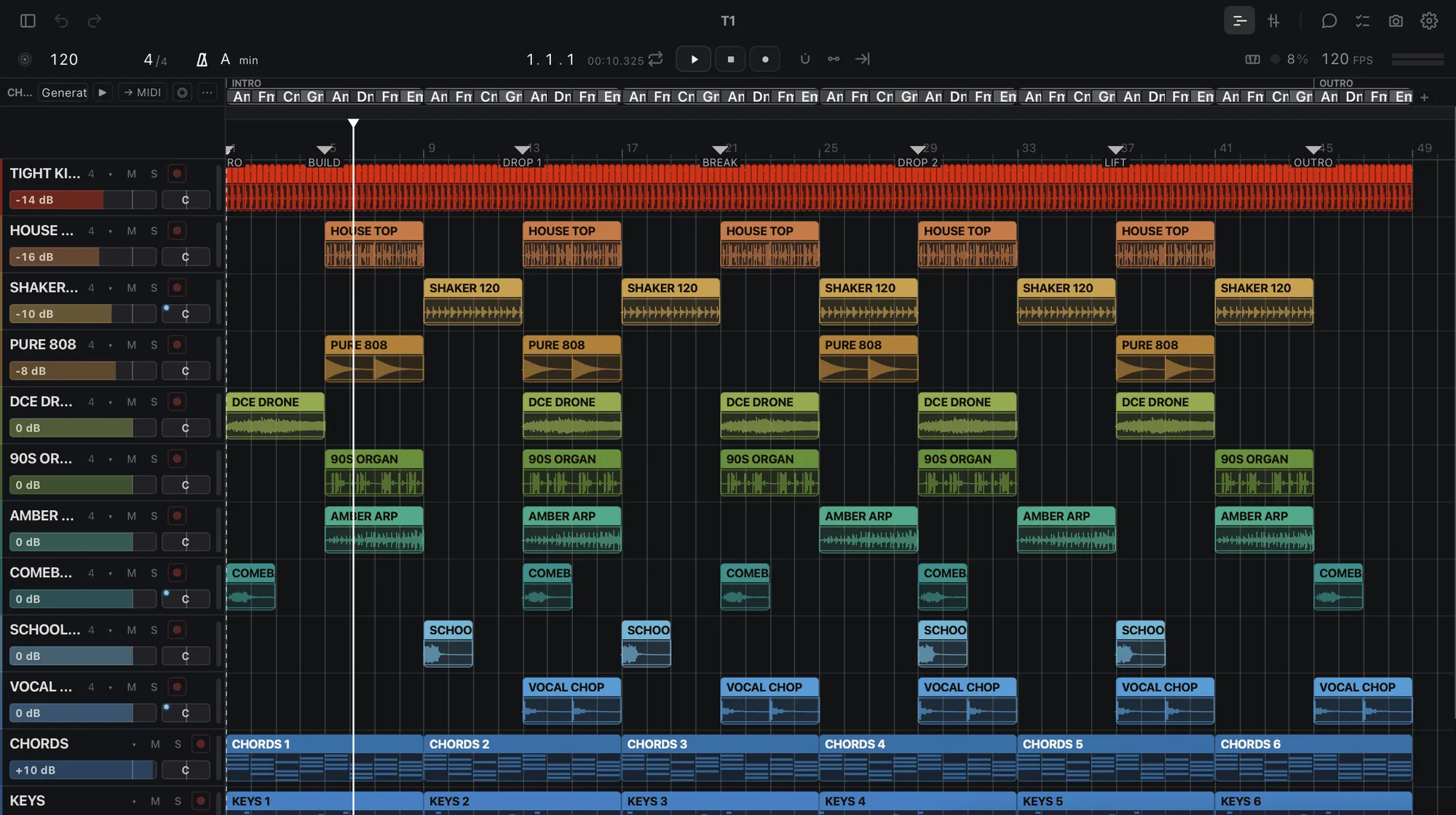
BRAVO is a DAW for Mac with Apple Silicon: tracks, clips, a mixer and its own instruments and effects. It also has an AI on its Home screen. You say what you want in your own words, BRAVO does the job on your audio and hands you the files.
Today it masters a song or an album, processes a folder, separates stems, judges a mix, opens a vocal in TUNE, learns from your Ableton Live and FL Studio projects and exports stems. Every change in a project is one undo step.
The AI you already use can drive it too. Switch on «Connect your AI» and Claude, Codex or Cursor read the project, run the job, check the result with BRAVO's measurements and tell you what changed.
The audio work runs on your Mac and your music stays yours. The beta is free and opens by waves from the waiting list.
Free beta
OBRA · BRAVO
Checking your access…
Questions
Yes. The beta is free. BRAVO's built-in AI has a daily allowance, larger with OBRA PRO, the same subscription as the rest of OBRA. Mastering, batches, stems and exports run on your Mac and use no AI.
Not for now. The beta is for Mac with Apple Silicon (M1 or later). Windows comes later. If you join the list from another computer, we keep your place.
No. BRAVO does not generate songs. It works with your audio and your samples: it masters, separates, judges and exports what you bring, listens to the result and tells you what fails.
BRAVO has its own chat on its Home screen. It also works with Claude (Claude Desktop and Claude Code), Codex and Cursor through «Connect your AI», a connector that stays off until you switch it on and only answers on your Mac.
It reads WAV, AIFF, FLAC, MP3 and the other common audio formats. It writes 24-bit WAV, and a folder batch can also write 16-bit WAV or FLAC. It reads Ableton Live and FL Studio projects to learn how you work.
On your Mac. Mastering, batches, stem separation and exports run on your computer and your audio is not uploaded. Signing in and the built-in AI chat need an internet connection.
The app is in English and Spanish.
Join the waiting list on this page. Access opens by waves: when it is your turn you get one email, you sign in here, accept the beta terms and install BRAVO.